Free Wingdings Translator – Online English to Wingdings & Wingdings to English Converter
Excited to convert normal text into Wingdings symbols or translate Wingdings back into readable text? Your search ends here with the Wingdings Translator. With our online tool, you can easily change letters and numbers into arrows, stars, smiley faces, and special symbols. Use it for fun, gaming, social media, design projects, puzzles and quizzes, presentations, and secret messages, etc.
You can quickly convert Wingdings symbols into simple English or turn text into Wingdings symbols. The tool works both ways and supports all four fonts, including Wingdings 1, Wingdings 2, Wingdings 3, and Webdings. Everything runs directly in your browser, so there’s no need to download anything, create an account, or sign in. Scroll down for a full Wingdings chart and symbol guide, and other details about this online tool.
What Is a Wingdings Translator?
It’s a free online tool where you can easily convert English text into Wingdings symbols and translate symbols into English text. Kris Holmes and Charles Bigelow created Wingdings and released it in 1992. It uses a fixed set of symbols for letters, numbers, and punctuation, so Wingdings is not a code or a language. Wingdings is a collection of fonts that changes letters into interesting symbols, including arrows, stars, hands, and other special icons.
Instead of showing normal letters like “A” or “B”, Wingdings shows symbols such as arrows, hands, and other signs. This makes text look different, creative, and more interesting without drawing the symbols by hand. In contrast to the original Wingdings font, the Wingdings translator doesn’t require font installation. You can use it on phones, tablets, and computers without downloading anything, because the tool runs directly in your device’s browser.
How a Wingdings Translator Works
The online translator matches each Wingdings symbol with its related character, and each symbol represents a specific letter, number, or punctuation mark.
After you enter your text into the tool, it converts normal text into Wingdings symbols and also translates Wingdings symbols into readable English. This process is called Wingdings decoding, and it works quickly because each symbol is paired with the right letter.
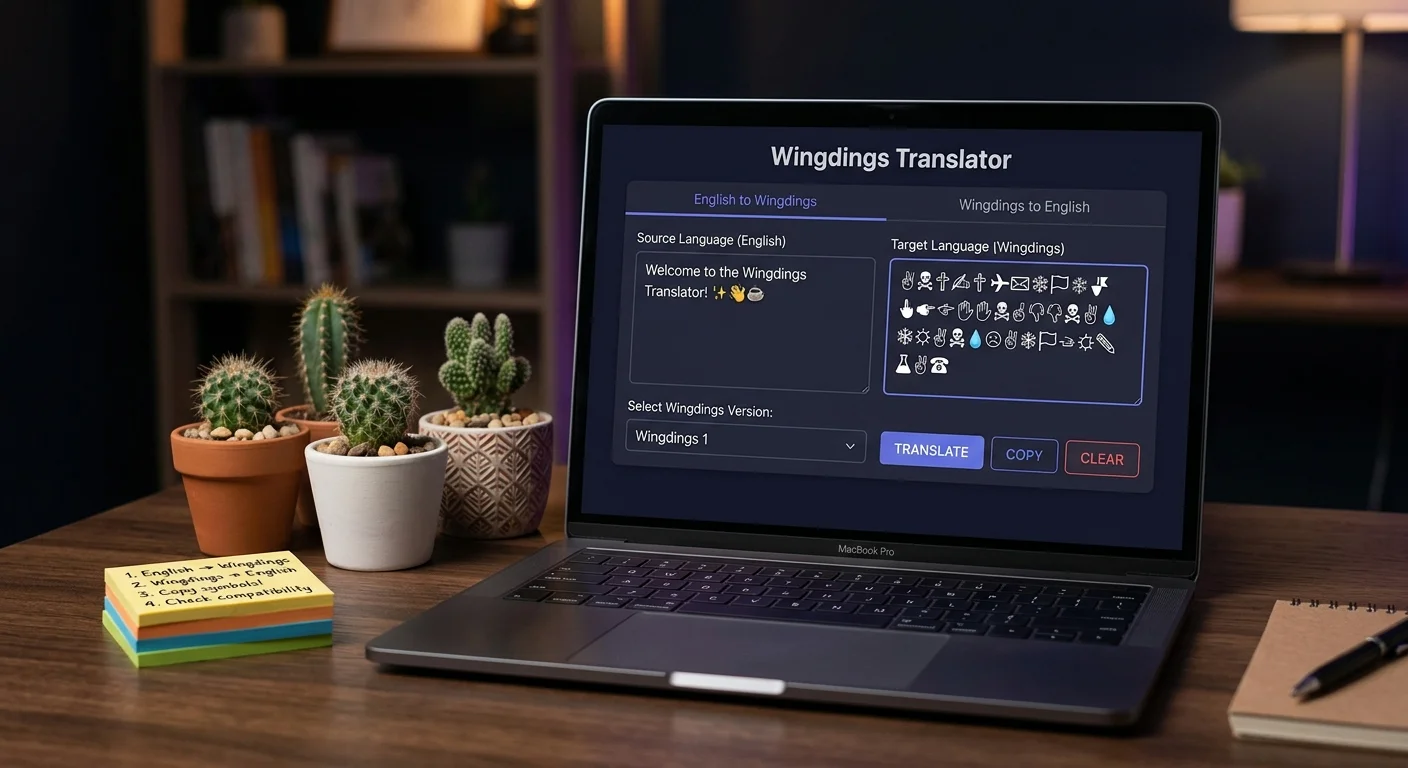
How to Use the Online Wingdings Tool
You can easily use this tool by entering your text, choosing the direction you want, and getting your result in a few clicks.
Enter or Paste Your Text
In the input box, type the text you want to change.
Translation Direction
Select English to Wingdings or Wingdings to English, depending on your need.
Wingdings Font or Version
Choose the Wingdings font or version that you want to use.
Convert the Text
Click on the Convert button to get your translated text quickly.
Copy and Use the Result
After these steps, you can copy the translated text and paste it anywhere.
Wingdings Fonts and Symbol Sets
The online tool supports 4 fonts, each with its own characters and collections. Below, you can explore Wingdings 1, Wingdings 2, Wingdings 3, and Webdings to see how they differ.
Wingdings 1
It is the original Wingdings font and includes different symbols such as stars, hands, scissors, crosses, signs, arrows, and everyday icons. Wingdings 1 is the most common version used for fun messages, decorative text, and creative designs. Many people choose Wingdings 1 when they want to turn their text into symbols, especially when they want to add more fun.
Wingdings 2
A more detailed version of the translator is Wingdings 2, with symbols such as hand signs, stationery icons, arrows, and other decorative marks. It has a more organized set of symbols and is often used for documents, presentations, headings, invitation cards, and decorative text.
Wingdings 3
A variety of arrows, geometric shapes, and digital symbols such as triangles, circles, squares, UI elements, and special icons are included in Wingdings 3. These symbols are often useful for documents, instructions, diagrams, flowcharts, and interface designs.
Webdings
Created mainly for web use, Webdings offers symbols for buildings, transport, media controls, faces, nature, and other common icons. It makes it easy to add simple decorative icons to websites, documents, presentations, and other digital content.
Wingdings vs. Wingdings 2 vs. Wingdings 3 vs. Webdings
These four fonts offer a wide range of special symbols, including arrows, shapes, and other useful icons created for different purposes. Comparing their features and symbols can help you choose the right font for your needs.
| Feature | Wingdings 1 | Wingdings 2 | Wingdings 3 | Webdings |
|---|---|---|---|---|
| Symbol Style | Hands, faces, stars, flags, and everyday objects | Hands, check marks, pens, ballots, and ornaments | Arrows, geometric shapes, and keyboard symbols | Buildings, vehicles, media, and web-style icons |
| Main Focus | General symbols and decorative icons | Office and document symbols | Directions, movement, and navigation | Web and digital interface icons |
| Best For | Fun messages, puzzles, and creative designs | Forms, checklists, documents, and numbered steps | Diagrams, instructions, UI designs, and navigation | Websites, digital content, and picture-based messages |
| Symbol Variety | Wide range of common symbols | Organized office and typographic symbols | Mostly directional and functional symbols | Web, transport, nature, and media symbols |
| Released | 1992 | 1992 | 1992 | 1997 |
How to Use the Wingdings Symbol Chart
To quickly find the symbols linked to numbers, letters, punctuation signs, or special symbols, use our Wingdings Translator Chart. First, choose the Wingdings font or version you want, then check the chart for the corresponding symbols.
Use our site charts to understand Wingdings symbol mapping, explore different symbol sets, and find the exact character without going through multiple tables.
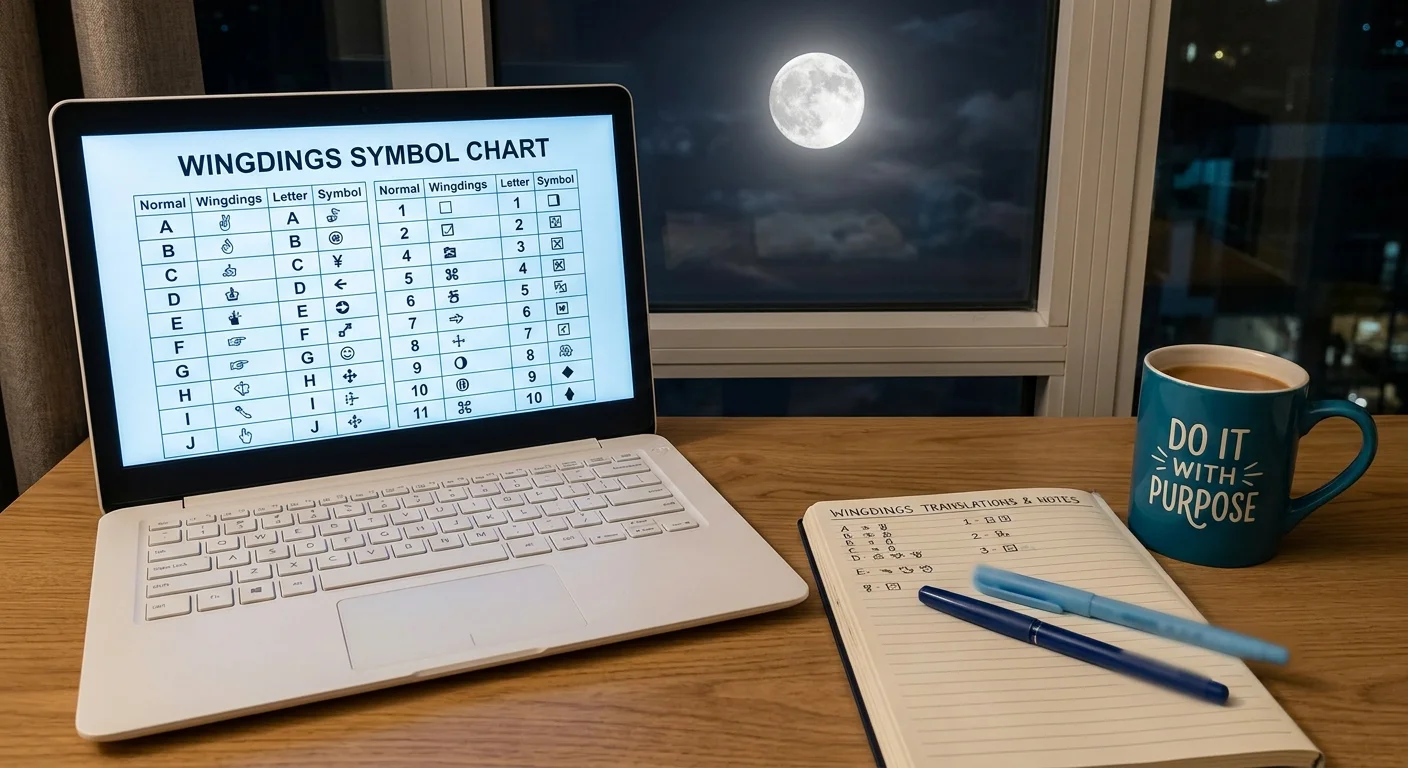
Wingdings Symbols and Character Charts
Below, explore the main Wingdings symbols and character mappings, including letters, numbers, punctuation marks, and commonly used symbols.
Wingdings Chart: Uppercase Letters
The chart below shows the Wingdings symbols for each uppercase letter from A to Z, making it easy to see which symbol matches every letter.
| Letters | Wingdings | Letters | Wingdings |
|---|---|---|---|
| A | ✌︎ | N | ☠︎ |
| B | 👌︎ | O | ⚐︎ |
| C | 👍︎ | P | 🏱︎ |
| D | 👎︎ | Q | ✈︎ |
| E | ☜︎ | R | ☼︎ |
| F | ☞︎ | S | 💧︎ |
| G | ☝︎ | T | ❄︎ |
| H | ☟︎ | U | 🕆︎ |
| I | ✋︎ | V | ✞︎ |
| J | ☺︎ | W | 🕈︎ |
| K | 😐︎ | X | ✠︎ |
| L | ☹︎ | Y | ✡︎ |
| M | 💣︎ | Z | ☪︎ |
Wingdings Chart: Lowercase Letters
For lowercase letters, the chart provides the Wingdings symbol for each character from a to z, helping you quickly find the symbol you need.
| Letters | Wingdings | Letters | Wingdings |
|---|---|---|---|
| a | ♋︎ | n | ■︎ |
| b | ♌︎ | o | □︎ |
| c | ♍︎ | p | ◻︎ |
| d | ♎︎ | q | ❑︎ |
| e | ♏︎ | r | ❒︎ |
| f | ♐︎ | s | ⬧︎ |
| g | ♑︎ | t | ⧫︎ |
| h | ♒︎ | u | ◆︎ |
| i | ♓︎ | v | ❖︎ |
| j | 🙰 | w | ⬥︎ |
| k | 🙵 | x | ⌧︎ |
| l | ●︎ | y | ⍓︎ |
| m | ❍︎ | z | ⌘︎ |
Wingdings Chart: Numbers
The chart below covers numbers from 0 to 9 and shows the Wingdings symbol for each number, making it easy to find the symbol you need.
| Number | Wingdings | Number | Wingdings |
|---|---|---|---|
| 1 | 🗁 | 6 | ⌛ |
| 2 | 🗎 | 7 | 🖮 |
| 3 | 🗏 | 8 | 🖰 |
| 4 | 🗐 | 9 | 🖲 |
| 5 | 🗄 | 0 | 🗀 |
Wingdings Chart: Punctuation
The chart below shows the Wingdings symbols for common punctuation marks, so you can instantly find the symbol linked to each punctuation mark.
| Character | Wingdings | Character | Wingdings |
|---|---|---|---|
| ! | 🖉 | + | 🖃 |
| “ | ✂ | , | 📪 |
| # | ✁ | – | 📫 |
| $ | 👓 | . | 📬 |
| % | 🕭 | / | 📭 |
| & | 🕮 | : | 🖳 |
| ‘ | 🕯 | ; | 🖴 |
| ( | 🕿 | < | 🖫 |
| ) | ✆ | = | 🖬 |
| * | 🖂 | > | ✇ |
| @ | 🖎 | ? | ✍ |
Wingdings Conversion Examples
The examples below show both English-to-Wingdings and Wingdings-to-English changes, so you can easily understand how the translator works.
| Text | Wingdings Symbols |
|---|---|
| Hello. | ☟︎♏︎●︎●︎□︎📬 |
| How are you? | ☟︎⬥︎🕈︎ ♋︎☼︎♏︎ ⍓︎□︎◆︎✍ |
| “evil eye” | ✂♏︎❖︎♓︎●︎ ♏︎⍓︎♏︎✂ |
| Wingdings Symbols | Text |
| ❄︎♒︎♋︎■︎🙵 ⍓︎□︎◆︎🖉 | Thank you! |
| 👎︎□︎■︎’⧫︎ ♎︎♏︎♋︎❖︎♏︎ ❍︎♏︎🖉 | Don’t leave me! |
| 🗎🗀:🗏🖲 🏱︎😐︎ ⧫︎♒︎◆︎☼︎💧︎♎︎♋︎⍓︎ | 02:09 PM Thursday |
| 🗏🗀 ❍︎♋︎⍓︎ 🗎🗀🗎🗁 | 03 May 2021 |

Wingdings Translator Key Features
Below, you can explore the main features of our online tool that make text conversion quick and simple.
Two-Way Conversion
Supports both English-to-Wingdings and Wingdings-to-English conversion. You can convert regular text into Wingdings symbols or translate Wingdings symbols back into readable text.
Multiple Wingdings Versions
The online translator supports multiple versions, including Wingdings 1, Wingdings 2, Wingdings 3, and Webdings. Each version offers a different set of symbols that you can use to change your text.
Real-Time Conversion
The tool converts your text into Wingdings symbols as you type or paste it into the tool input box. The result updates instantly, so you do not need to click a button or wait for the translation.
Copy and Paste
Includes a copy button that allows you to copy your converted text easily. You can then paste the result into social media posts, messages, documents, or other places.
Works Across Devices
The online translator uses Unicode symbols, so the converted text is viewed correctly across devices and platforms. This makes it easier to copy, share, and use the symbols without worrying about device compatibility.
Free and Easy to Use
The tool is easy to use, and no registration or account is needed. You can directly enter your text, convert it into Wingdings or English, and use the result.
Wingdings vs Emojis
The table below highlights the key differences between Wingdings and Emojis, including their appearance, purpose, and common uses. Both Wingdings and Emojis add symbols to text, but they offer different styles and uses.
| Feature | Wingdings | Emojis |
|---|---|---|
| Type | Symbol-based font | Picture-based characters |
| Appearance | Simple symbols and icons | Colorful images and icons |
| Main Use | Decorative text, hidden messages, and creative designs | Messages, social media, and online communication |
| Text Conversion | Can convert letters into symbols | Normally added as separate characters |
| Style | Retro and unique | Modern and expressive |
| Variety | Includes arrows, shapes, hands, signs, and other symbols | Includes faces, animals, food, objects, flags, and more |
| Customization | Depends on the Wingdings font or translator | Depends on the device, app, or platform |
| Best For | Creative text, puzzles, designs, and hidden messages | Everyday chats and expressing emotions |
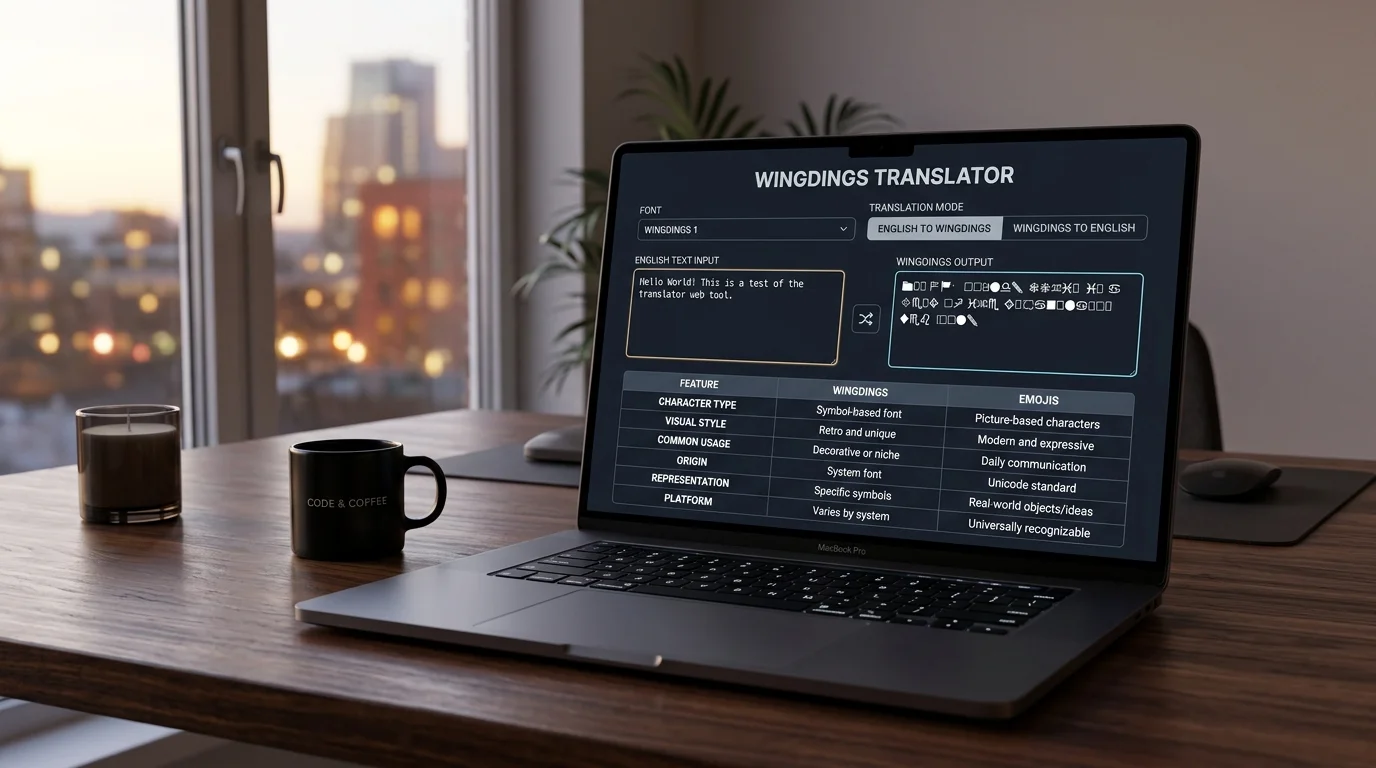
Creative Uses of Wingdings Translator
These symbols can add a unique decorative style to your messages, social media posts, designs, and other creative projects.
- Unique Look: Wingdings has many unique symbols, arrows, icons, and shapes that can make your text look different and special.
- Hidden Messages: You can use Wingdings to create hidden messages, puzzles, and mystery-style text. It is also famous among some Undertale players.
- Creative Designs: Wingdings symbols can be used to make text, posters, documents, and other designs more creative and interesting.
- Retro Style: Wingdings can give your text a classic and retro 1990s or early 2000s computer look.
- Simple Style: Wingdings symbols have a simple black-and-white look, which works well for minimal designs.
- Social Media: Add a few symbols next to normal text to make a name or bio look unique. Keep important words in basic text because symbols may not work properly in search results.
- Messages and Games: Create a line of symbols that friends can decode by pasting it back into the tool and share it through chat apps. The Wingdings symbols can also be used to create hidden or unique messages in games and online forums.
- Old Files: If an old file shows symbols instead of normal text, paste them into the decoder to see what the original text says.
Final thoughts
An online translator makes it easy to change normal text into Wingdings characters and translate special symbols back into readable text. You can use Wingdings 1, Wingdings 2, Wingdings 3, and Webdings to see how different characters and symbols work.
No need to download software, install a font app, or create an account; just search Wingdings translator in your browser, enter your text, select the translation direction, and get your results quickly. If you want to create unique text, convert Wingdings symbols, or find a special character, in short, you can find everything you need here.
Frequently Asked Questions
How do I translate Wingdings to English?
To translate Wingdings into English, use our online converter, copy the text, and paste it into the tool that converts the symbols into English letters.
How do I convert English text to Wingdings?
To convert English text to Wingdings, use our free online converter, copy the English text, and paste it into the tool that converts it into Wingdings symbols.
Is Wingdings a real language?
No, Wingdings is not a real language; it is a font that uses symbols instead of normal letters. It does not have its own grammar or vocabulary like other languages.
Can I copy and paste Wingdings symbols?
Yes, you can copy and paste Wingdings symbols, but they will only look correct when the Wingdings font is available on your device or platform.
Is my text safe when using the translator?
Yes, your text is safe when you use our tool. We don’t send it to another server or share it with others. So, you can translate your content without worrying about your information being shared.
Why do some Wingdings charts look different on different websites?
Other sites usually upload different mapping tables, mainly for the fan community and Easy copying and pasting. That is why comparison charts of Wingdings are important.